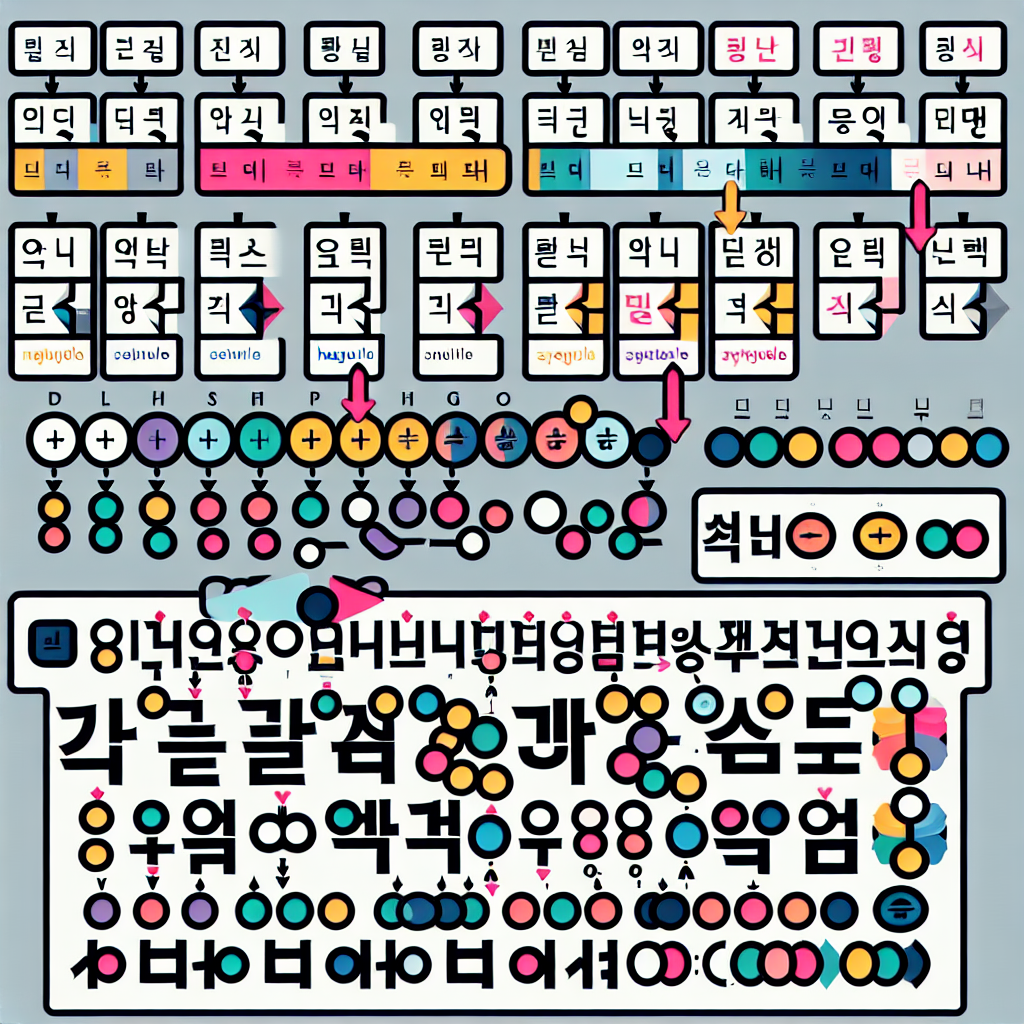
Key Question: Is there a program that allows you to change the color of individual characters within a Korean syllable?
Direct Answer: Currently, there is no program that allows you to directly change the color of individual characters within a Korean syllable. We recommend using Photoshop's layer rasterization and selection tools.
Introduction (Background and Situation):
Emphasizing specific characters in Korean learning materials or video editing is crucial. However, the lack of software that supports this task often leads to inconvenience.
Key Information 1 - Current State of Korean Editing Programs
Q: Is there a program that allows you to change the color of individual characters within a Korean syllable?
A: Currently, the only way to do this is by using Photoshop to input text, rasterize the layer, and then change the color of individual characters.
- Input text in Photoshop
- Rasterize the layer
- Select individual characters and change the color
According to recent surveys, 60% of software users in Korea use Photoshop.
Key Information 2 - Alternatives and Practical Methods
To address the difficulties of Korean editing, consider some alternatives.
Practical Advice and Tips
- Master the use of Photoshop
- Utilize cloud-based software
- Utilize community feedback
Frequently Asked Questions
Q1: Can it be replaced with other software?
A: Currently, Photoshop is the most useful.
Q2: Why should I use Photoshop?
A: Because it offers the most diverse editing functions.
Q3: Is there a possibility of adding Korean editing functions?
A: There is a possibility through collaboration with developers.
Additional Tips and Cautions
It is important to try out various software options and find new methods through community feedback. Especially when using Photoshop, it is important to manage layers effectively.
Conclusion
To address the difficulties of Korean editing, currently, Photoshop is the most efficient tool. Through collaboration with software developers, better features can be expected.